User guide
Grants, step by step
Find grants, open an application, answer, cost, attach documents, send. Words in quotes are the on-screen buttons (the application screens are in French).
1
Find possible grants
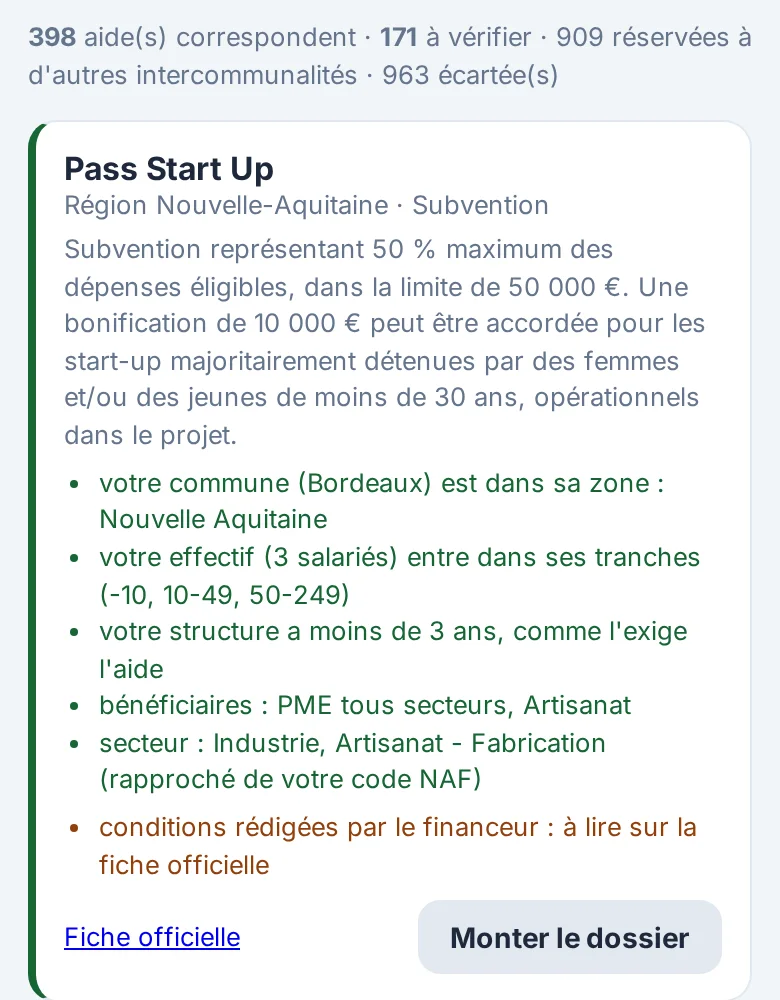
- Tap “Aides possibles pour votre structure”. The first time: “Charger la liste des aides”.
- Type your SIRET then “Remplir”, or fill in legal form, NAF code, municipality, employees and creation date; then “Chercher les aides”.
- Read the reasons in green, what is left to check in orange; “Fiche officielle” and “Règlement” open the funder's texts.
- “Monter le dossier” opens an application named after the grant.
2
Open an application
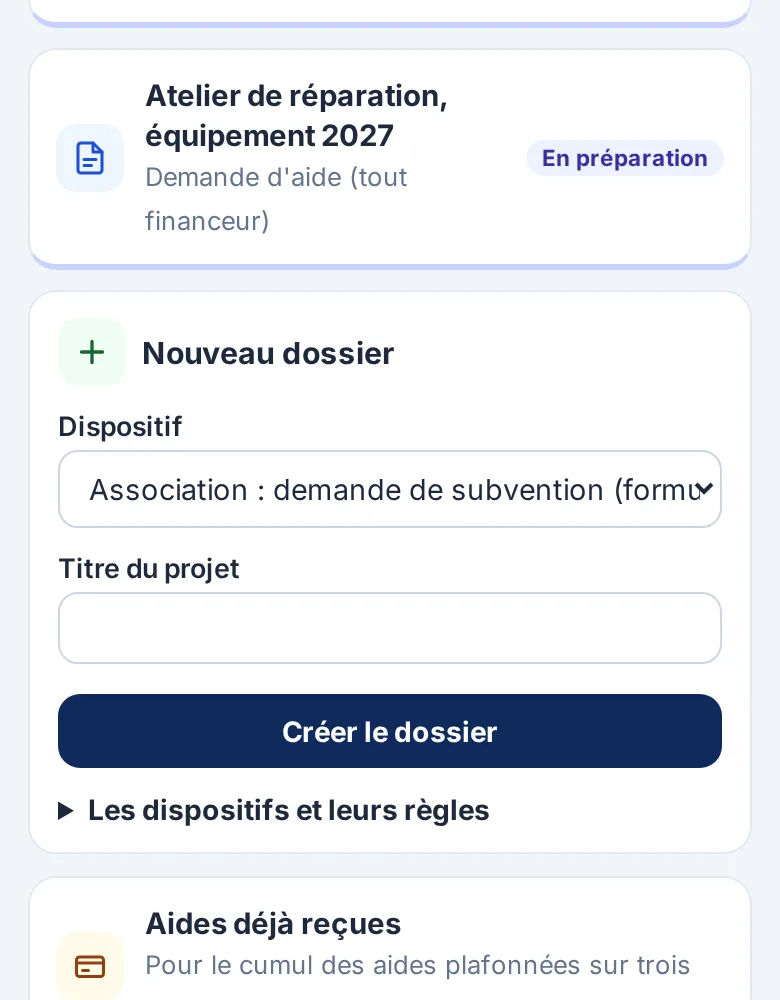
- Under “Nouveau dossier”, pick the “Dispositif” and give a “Titre du projet”, then “Créer le dossier”.
- “Les dispositifs et leurs règles” shows each scheme's rules and the texts they come from.
3
Answer and cost
- Each section shows its progress; tap it to answer, then “Enregistrer”.
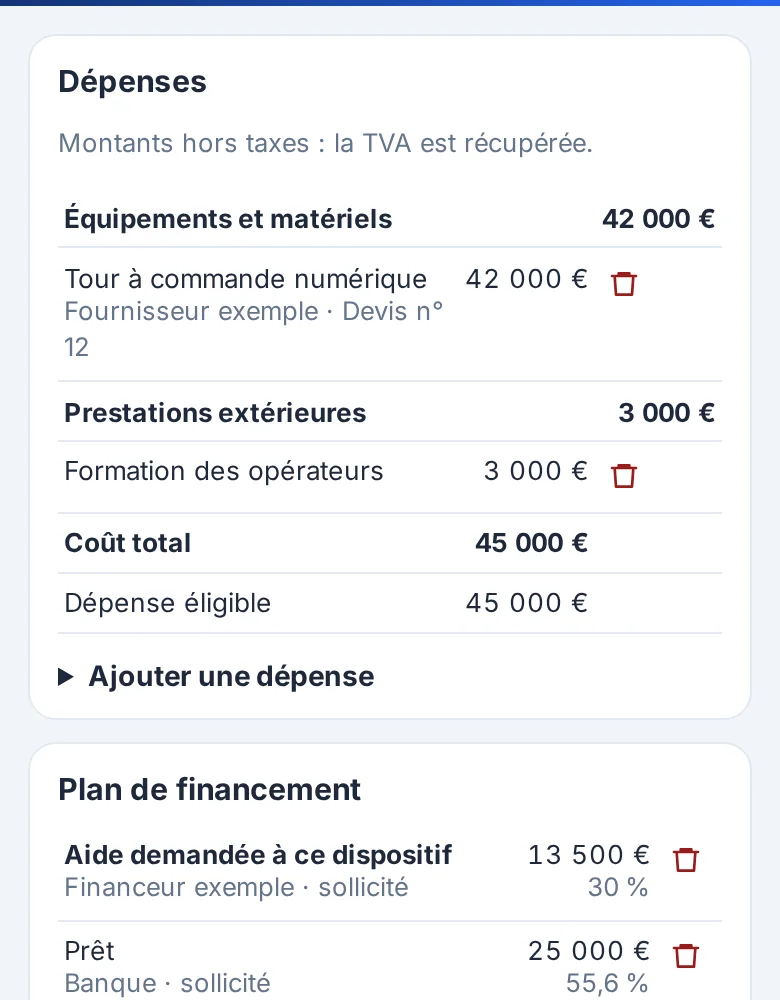
- “Budget et plan de financement”: “Ajouter une dépense”, then “Ajouter une ressource”; tick “C'est l'aide demandée à ce dispositif” on the requested line.
- For the association form, each funding line goes into its “Ligne du formulaire officiel”.
- Checks appear at the top of the budget: red to fix, orange to explain.
4
Documents and the application
- “Pièces justificatives”: upload each document (PDF, JPG or PNG, 15 MB max).
- While something is missing, “Imprimer les questions” gives the list to gather.
- Complete application: “Composer le dossier PDF”. For the association form, have it signed and upload the signed version.
5
Send to the funder
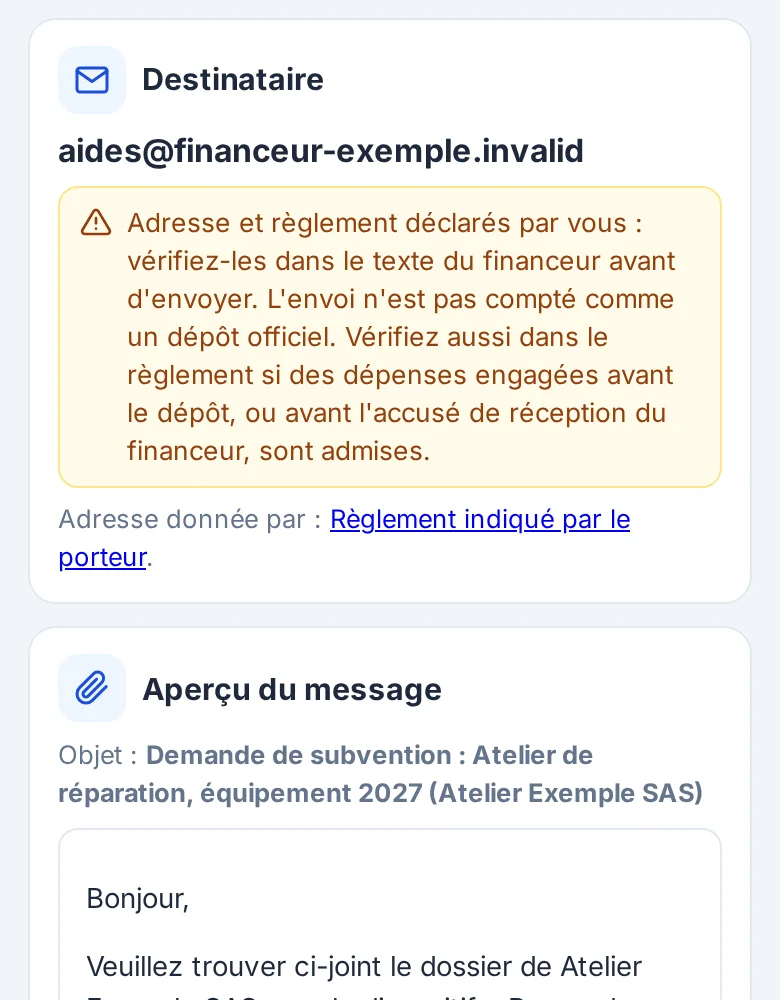
- In “Transmettre au financeur”, “Envoyer au financeur” opens the preview; check the copy address, tick the confirmation, then “Envoyer au financeur”.
- For a portal: “Préparer le dépôt sur la plateforme”, “Ouvrir la plateforme officielle”, “Copier” each field, “Télécharger” each file, then “Noter le dépôt”.
- “Suivi de la demande” keeps the stage, status and dates; “Exporter les données” returns the whole application.