Send the application
Sending to the funder, reviewed before it leaves
The recipient and the rules it comes from, a full preview, a copy for you and a record of each sending.
The conditions
The button only appears when the time is right
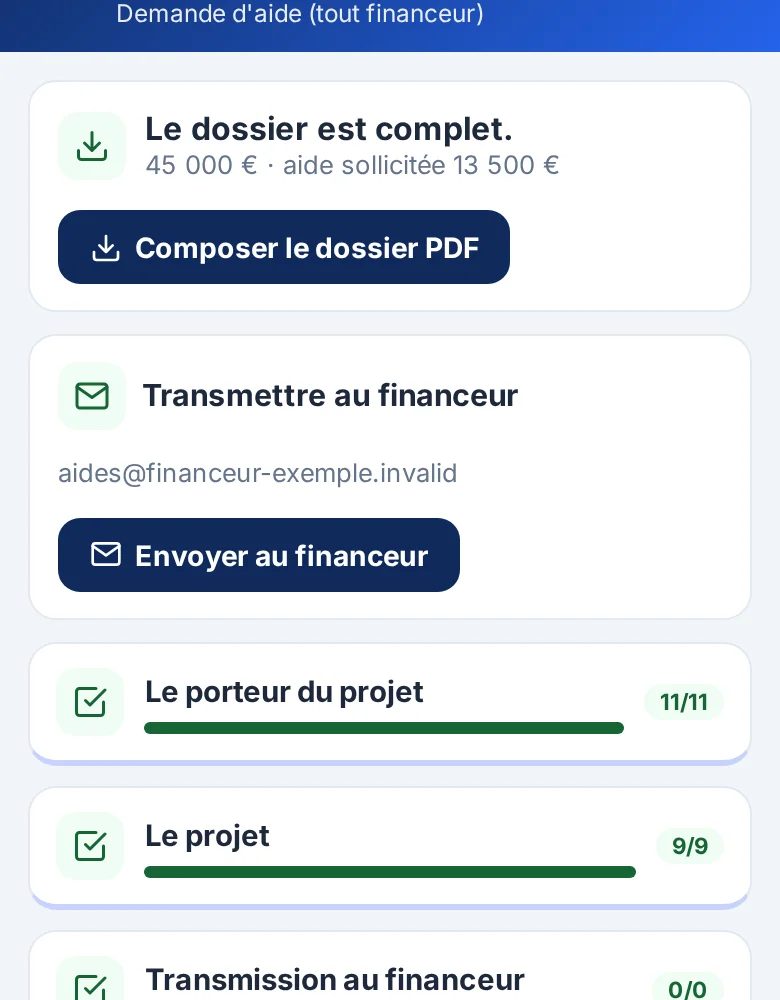
- The application is complete: no pending question, document or check.
- The scheme's rules do not need checking again.
- The rules' preliminary steps are done (for instance a mandatory meeting with the funder, dated and past).
- The filing period is open, Paris time.
- The stage has not already been sent: two clicks never send twice.
- Your application has its own mailbox: the application leaves from your address, never the platform's.
Otherwise the screen says plainly what is missing.
The preview
What you see before sending
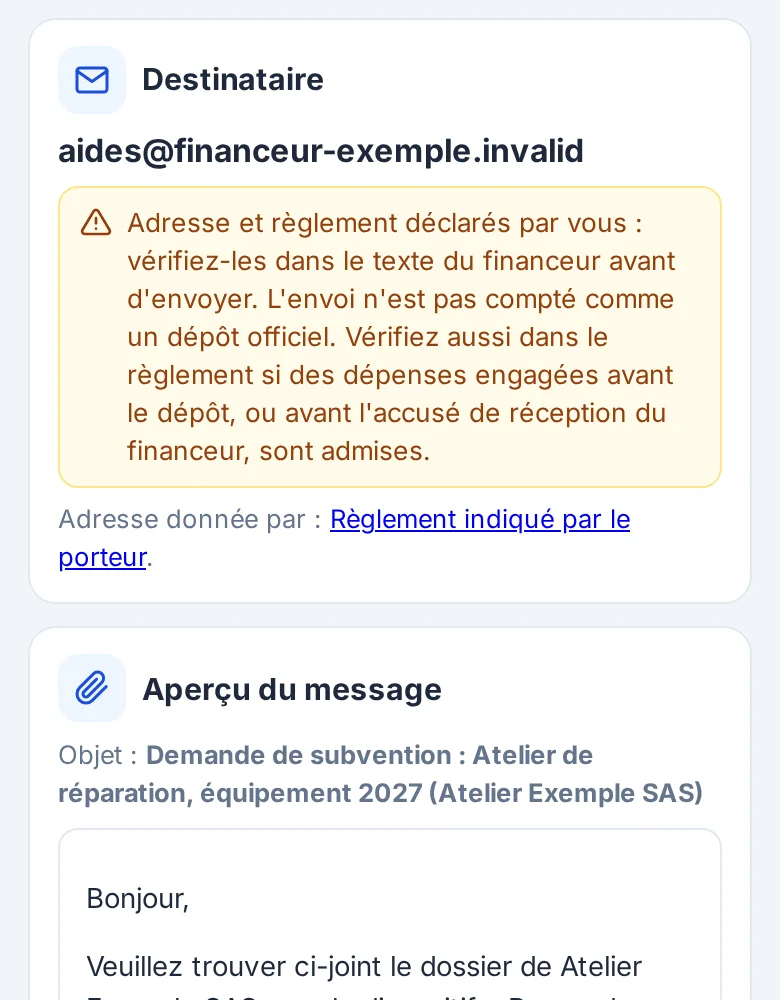
- The recipient, with the rules it comes from: the exact passage and its reading date when the scheme has its own sheet, otherwise the address and link you copied in.
- The subject and the message, to which you can add a few words.
- Each file under its expected name: the application, then each document.
- The copy address: you get the same message, and the funder's replies come to you.
The email leaves from your application's mailbox. If a document cannot be attached, nothing leaves.
Filing
On a portal: guided filing
When the scheme's sheet requires filing on the funder's portal, the tool never signs in on your behalf: it is your account, sometimes FranceConnect. One screen prepares everything: the official link, every field ready to copy in one tap, the files to download under their names. Once filed, you record the date and the number given by the portal.
Frequently asked questions
Your questions
What if sending fails?
It is logged with its reason, and you can try again. The application only moves to “sent” if the email went out.
What if sending is cut off?
After ten minutes without confirmation, the screen asks whether the copy reached you: “it did leave” or “send again”.
Does sending count as filing?
Only if a text in the scheme's sheet says so. An address you copied in gives “sent”, not “filed”; the filing date matters for costs committed too early.
Start your first application
Tell us who you are and which grant you are after. We open your access and present the terms before any commitment.