Your grant application, ready to send
The grants that fit your organisation, the application built question by question, the official form filled in, then sending to the funder. Nothing leaves while something is missing.
Sound familiar?
What makes people give up on a grant
“I don't even know which grants I can get”
Your legal form, municipality, size and age compared with the French public database of business grants: the list comes with its reasons.
“The official form is ten pages and I'm stuck on page one”
You answer simple questions; the official form fills itself in, box by box.
“My financing plan never adds up”
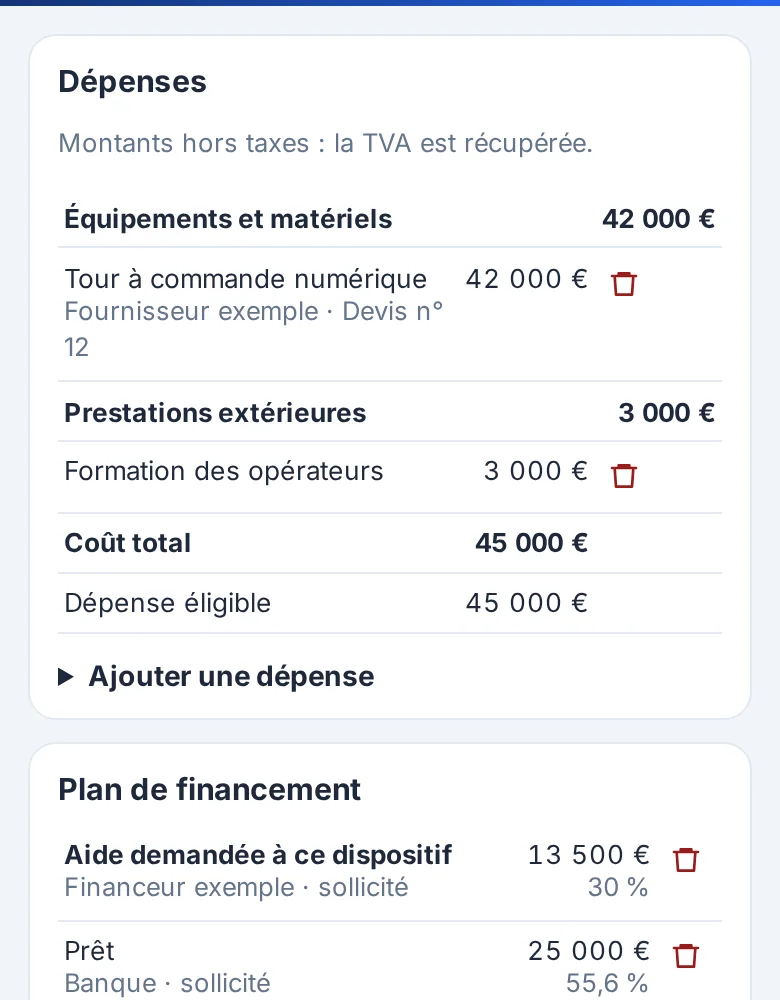
The plan's balance is checked as you type; when the scheme has its own sheet, its rates, ceilings and rules on costs committed too early are checked too.
“My application came back: a document was missing”
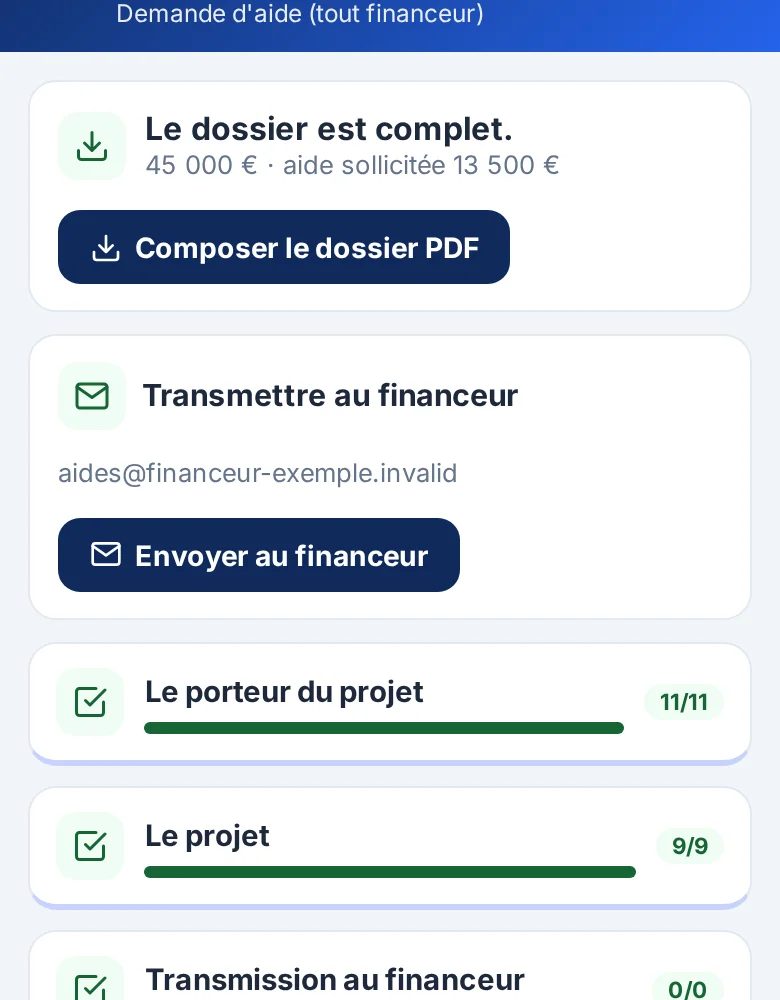
While an answer or a document is missing, the application is not composed: you get the list of what to gather, and who can answer.
“I no longer know where to send it, or whether it left”
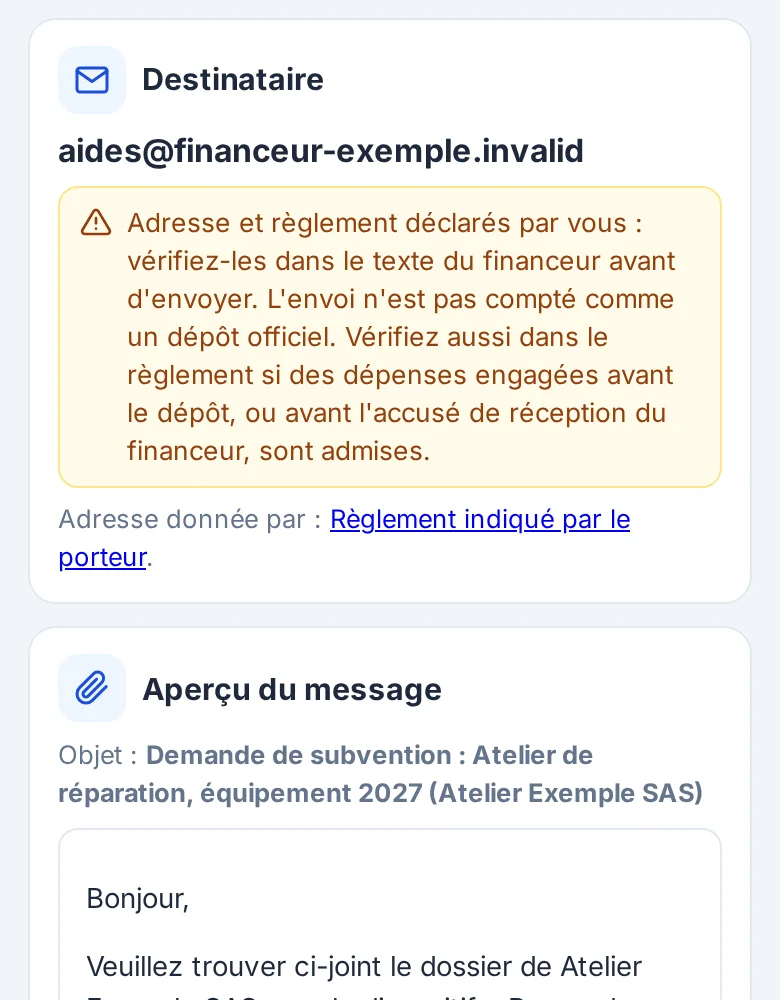
You copy in the address and the link to the rules (already in the sheet when the scheme has one); the preview shows them again, a copy reaches you, the log keeps track.
“My funder requires an online portal”
If your scheme requires a portal, the tool never signs in on your behalf: one screen gathers the link, the fields to copy and the named files.
1. Find
The grants that fit you, with the reason
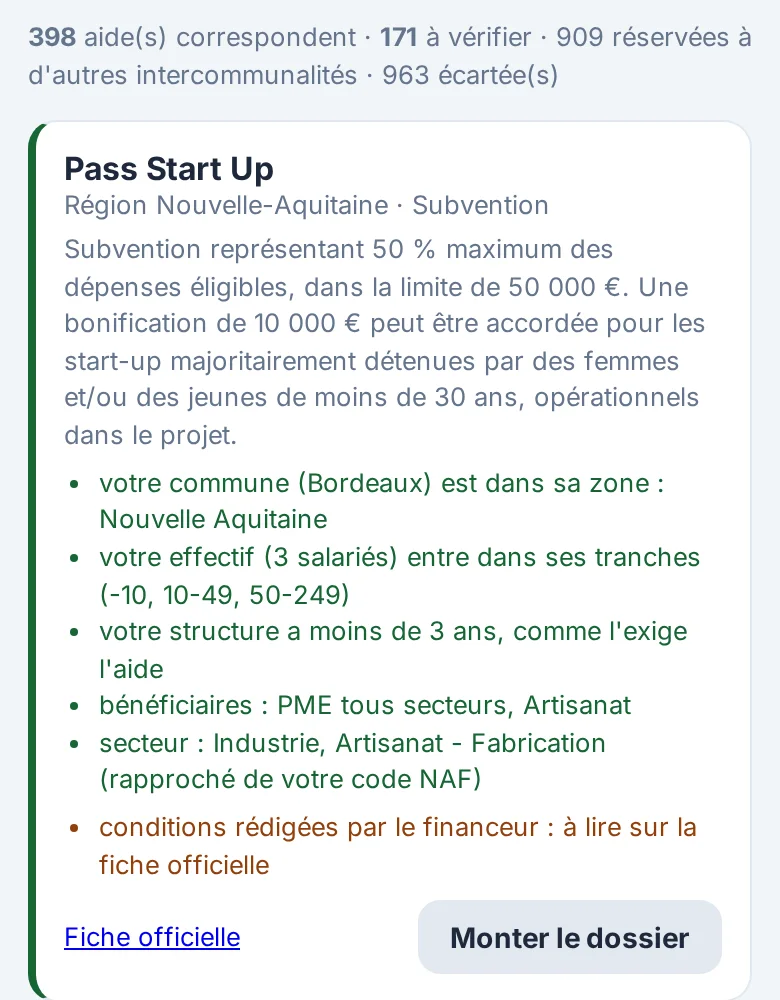
The list comes from the French State's public database of business grants: over two thousand public grants listed, from European to municipal level (2,441 read on 14/10/2026). You enter your legal form, municipality, number of employees and creation date, or simply your SIRET number.
Each grant says why: “your municipality is in its area”, “your headcount is within its bands”, “your organisation is less than three years old”. Excluded grants say why too. Information you have not given never excludes a grant: it goes to “to check”.
2. Prepare
The application, section by section
A full template works for any funder: presentation, objectives, timetable, budget, financing plan and documents. Some schemes also have their own sheet drawn from the official text (today the French association form Cerfa 12156 and a European LEADER call): their questions, eligible costs, rules and documents, each with the passage it comes from and its reading date. You answer section by section, cost the budget and the financing plan, and upload the documents.
For a French association, the official Cerfa form no. 12156*06 fills itself in from your answers.
3. Send
Sending to the funder, reviewed before it leaves
When the application is complete and the stage allows it, the “Send to the funder” button appears. You see the recipient and the rules it comes from, the message, every file under its name; you confirm. A copy reaches you, the application moves to “sent” and the log keeps the date, address and files.
If your scheme requires an online portal, the tool never signs in on your behalf: a screen guides you step by step.
In figures
Verifiable
The screens, as they are
What you will see
The official form, filled in
The French association grant form, filled in box by box from your answers.
Terms
What is open, what is part of the subscription
Searching for grants, answering the questions, costing the budget, uploading documents and printing the list of what is still missing: all of this is open as soon as you have access, and your data can be exported at any time.
The final application, composed as a PDF, and sending it to the funder are part of the subscription. The price is presented before you subscribe, monthly and with no commitment.
Frequently asked questions